
How To Make A WordPress Website Using Elementor Pro
Building a professional website no longer requires technical expertise or a large budget. With modern tools like WordPress and Elementor Pro, anyone can create a high-quality website that looks premium, loads fast, and converts visitors into customers. If you are planning to launch a personal brand, service business, startup, or blog, learning how to make a WordPress website using Elementor Pro is one of the most valuable skills you can invest in today.
A website acts as your digital foundation. It represents your brand, works 24/7, and builds trust with potential customers even when you are offline. Unlike social media platforms, a website gives you complete control over your content, design, data, and growth strategy. Elementor Pro makes this process beginner-friendly by allowing you to design your website visually without writing code.
This detailed guide is written especially for beginners, freelancers, and Indian small business owners. Every step is explained in simple English with a business-first approach so you can confidently build, manage, and scale your WordPress website.
Why Web Hosting and a Free Domain Matter
Before you design your website, it is important to understand the role of web hosting and domain names. Web hosting is the service that stores your website files, images, and database securely on a server so users can access your site anytime. A domain name is your website’s unique address on the internet.
Choosing a hosting plan that includes WordPress optimization and a free domain simplifies the entire setup process. It reduces technical errors and ensures your website loads faster and remains secure.
- Web hosting ensures your website is always online
- A domain name builds credibility and brand identity
- Optimized hosting improves speed and SEO
- Free domain reduces startup cost
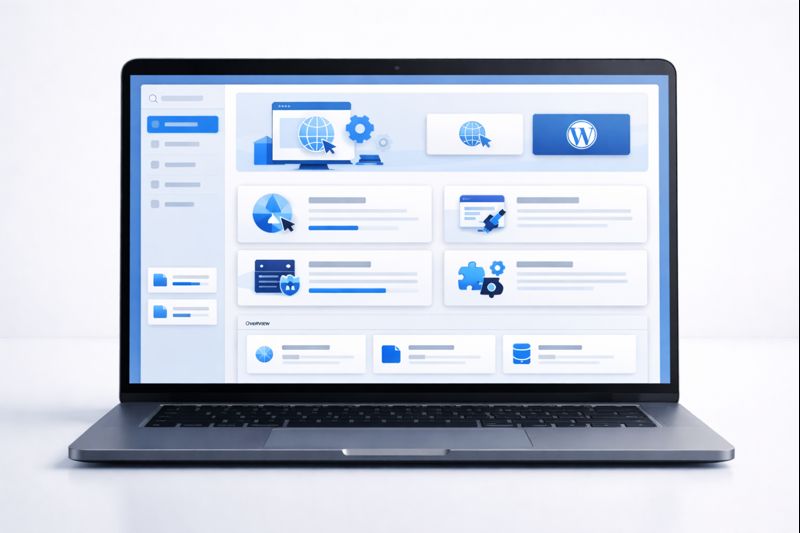
For beginners, choosing the right hosting provider at the start avoids many future problems related to speed, downtime, and security.
Installing WordPress the Right Way
Once hosting and domain are ready, the next step is installing WordPress. Most modern hosting providers offer one-click WordPress installation. This removes the need for manual file uploads or database creation.
During installation, you will set your admin username, password, and site language. After installation, you gain access to the WordPress dashboard, which is the control center for your entire website.
- Choose WordPress as your platform
- Set secure admin login credentials
- Select website language
- Complete installation within minutes
A clean WordPress installation ensures better performance and fewer issues later.
Get Elementor Pro to Build a Professional Website
Elementor Pro is a powerful visual page builder that completely changes how websites are built on WordPress. Instead of coding, you design your site using drag-and-drop tools.
With Elementor Pro, you can customize every part of your website including headers, footers, blog layouts, forms, popups, and dynamic content. This level of control is ideal for business websites.
- Visual drag-and-drop editor
- Advanced layout and styling controls
- Dynamic content support
- Reusable templates and global styles
What You Will Learn in This Elementor Pro Tutorial
This complete tutorial is designed to help you build real-world websites, not just practice designs. You will learn how professionals approach layout, branding, and usability.
- Designing a full website visually
- Creating consistent branding
- Structuring pages for clarity
- Optimizing for mobile and speed

These skills are useful whether you are building your own website or client projects.
Website Structure You Can Build with Elementor Pro
Elementor Pro allows you to build dynamic templates instead of static pages. This means you design once and apply everywhere.
- Home page design
- Custom header and footer
- Blog archive and single post templates
- Contact and thank-you pages
- 404 error pages
This saves time and ensures consistency across your website.
Branding: Colors, Fonts, and Visual Consistency
Branding plays a huge role in how users perceive your website. Elementor Pro allows you to define global colors and fonts so your site looks consistent and professional.
- Set primary and secondary colors
- Choose readable fonts
- Maintain spacing consistency
Strong branding builds trust and improves conversion rates.
Building Pages with Containers and Elements
Elementor Pro uses containers for layout structure. Containers give you better control over responsiveness and alignment.
- Containers for layout structure
- Text and heading widgets
- Buttons and call-to-action elements
- Images and media blocks

Making Your Website Mobile Responsive
Most visitors access websites on mobile devices. Elementor Pro includes responsive controls to optimize your design for mobile and tablet screens.
- Adjust font sizes
- Modify spacing
- Hide unnecessary elements
Mobile optimization improves user experience and SEO rankings.
Advanced Design Features in Elementor Pro
- Glassmorphism effects
- CSS animations
- Hover interactions
- Background gradients
These features help your website stand out without compromising performance.
Forms, Popups, and Automations
Elementor Pro includes built-in tools for creating forms and popups. These help convert visitors into leads.
- Contact forms
- Lead capture popups
- Conditional logic
Internal Resources and External Learning
- WordPress SEO basics for beginners
- How to design conversion-focused landing pages
- Website growth strategies for small businesses
You can also explore official WordPress and Elementor documentation for deeper learning.
Final Thoughts
Learning how to make a WordPress website using Elementor Pro gives you complete control over your online presence. By combining reliable hosting, a free domain, and Elementor Pro, you can build a scalable, secure, and professional website.
This guide is designed to help you move step by step with confidence. A website is a long-term business asset. Start small, stay consistent, and keep improving — your website will grow along with your skills and business goals.